Your casino account can hold more than a gaming balance. It may also contain your name, payment history, email address, phone number, and identity-verification information, making it an attractive target for account thieves.
Knowing How to Protect Your Casino Account on Mobile means thinking beyond the password box.
Attackers can use phishing links, fake applications, malware, stolen devices, reused credentials, and social engineering to get around otherwise legitimate security systems.
Understanding those attack routes makes it easier to close the weaknesses before somebody tries to exploit them.
Understand What an Attacker Actually Wants
An attacker does not always need to “hack” the casino itself.
Sometimes stealing your password is enough.
Other attackers may target your email account because it can be used to reset the casino password. They may also want identity information, stored payment details, or access to an existing authenticated session.
This is why account protection should include your email, phone, and casino login together.
If your email password is reused elsewhere, changing only the casino password leaves a major recovery channel exposed.
Think of mobile security as a chain.
The account is only as strong as the weakest service connected to it.
Make Your Password Difficult to Reuse or Guess
A secure password should be unique.
NIST’s current authentication guidance recommends long passwords and requires providers following its framework to check newly chosen passwords against common or compromised values. NIST also emphasises that passwords are not inherently resistant to phishing attacks.
That last point matters.
Even a 25-character password becomes useless if you voluntarily type it into a fake website.
Use a password manager when practical. It can create random credentials and often refuses to autofill them on a look-alike domain, providing an additional clue that something is wrong.
Do not make simple variations such as Casino123 and Casino124.
Attackers understand those patterns.
Prefer Strong Multi-Factor Authentication
MFA creates another barrier after the password.
A criminal who obtains your login credentials may still be unable to enter without the second factor.
FTC guidance recommends multi-factor authentication because it makes stolen usernames and passwords less useful to scammers.
Not all MFA methods offer equal protection.
NIST notes that authenticator methods involving manually entered one-time codes are not considered fully phishing-resistant because an impostor site could potentially relay the code.
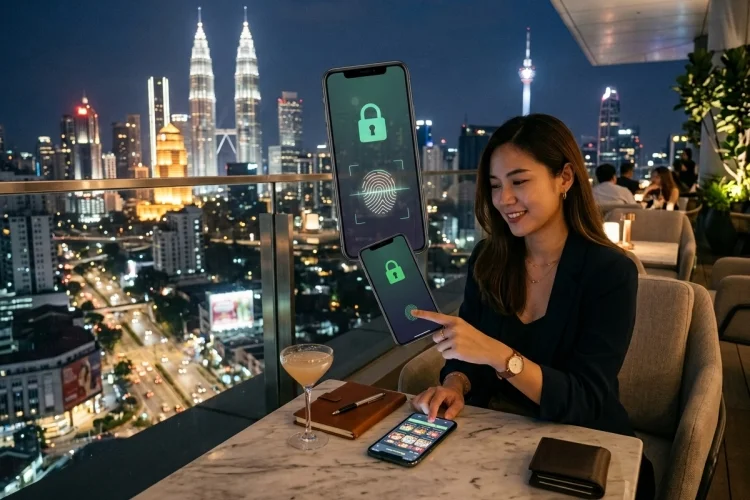
Cryptographic methods such as properly implemented FIDO/WebAuthn authentication can provide phishing resistance.
If your casino offers several choices, use the strongest practical option.
Never approve an unexpected authentication notification.
Repeated MFA prompts can sometimes indicate that someone already knows your password.
Fake Casino Apps Can Steal More Than Your Login
Mobile malware can request access to notifications, messages, storage, accessibility services, or other sensitive functions.
Android restricts certain settings for applications installed from less trusted sources because scammers can use those permissions for financial fraud.
Google Play Protect also scans apps for harmful behaviour and can warn users, disable applications, or remove them.
Before installing a casino app, verify the developer and source.
Do not install an application just because a message claims you need a “new secure casino version.”
Be particularly suspicious if the installer asks you to disable Play Protect or activate unusual accessibility permissions.
Those instructions should be treated as warning signs rather than normal setup.
Review What the App Can Access
Permissions deserve attention after installation too.
A casino application may legitimately request camera access for document or identity verification.
That does not necessarily mean it should have unrestricted access forever.
Android’s Privacy Dashboard shows when apps access sensitive permissions and lets users adjust those permissions.
Use similar privacy controls on your mobile platform to review location, microphone, camera, photos, and other access.
Remove permissions that no longer serve a clear purpose.
The goal is not to deny every request automatically.
It is to reduce unnecessary exposure.
An app that accesses far more information than its function seems to require deserves closer inspection.
Be Careful With Public Wi-Fi
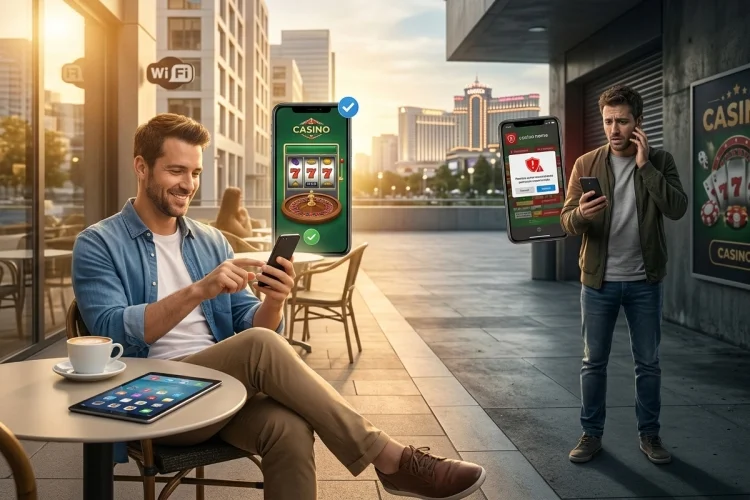
Public Wi-Fi is convenient, but the surrounding environment may be difficult to trust.
A fake hotspot can use a familiar name such as “Hotel Guest WiFi” or “Airport Free WiFi” to trick users into connecting.
Modern HTTPS/TLS encryption helps protect information travelling between the browser and legitimate website, but public networks still introduce risks such as deceptive login portals, fake domains, and compromised devices.
Avoid conducting sensitive account changes when you are uncertain about the network.
Mobile data or a trusted private network can be simpler for important financial activity.
Also pay attention to browser warnings.
Never bypass a certificate warning just because you want to access your casino account quickly.
Safe communication requires both encryption and the correct destination.
Never Trust an Unexpected “Security” Link
A common phishing message tells you that something has gone wrong.
“Your casino account will be suspended.”
“Your withdrawal needs verification.”
“Unusual login detected—click here now.”
FTC guidance recommends avoiding links and attachments in unexpected messages and independently visiting a known legitimate website if you believe the warning could be real.
Open your casino application directly instead.
If there truly is an account problem, it should normally appear after you log in through the legitimate service.
Check the sender carefully, but do not rely only on the displayed name because it can be spoofed.
Never type an MFA code into a page you reached through an unexpected message.
This simple habit can stop many phishing attacks.
Lock Your Screen and Hide Sensitive Notifications
A stolen phone does not need sophisticated malware if everything is visible from the lock screen.
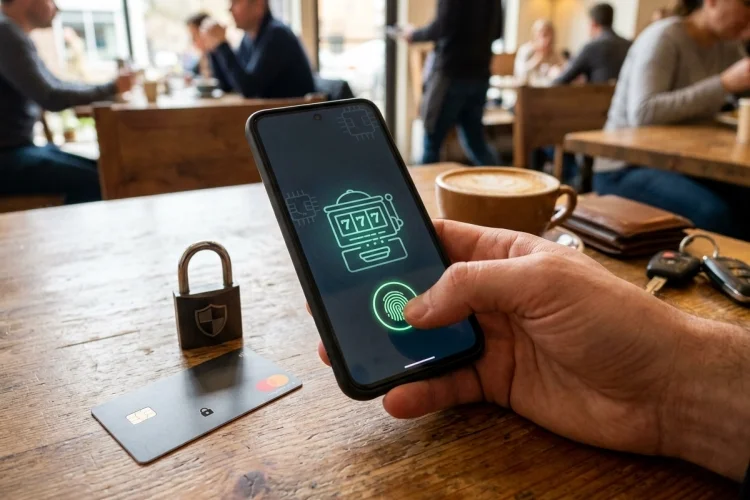
Use a strong passcode and biometric authentication.
Consider hiding the contents of sensitive notifications so verification codes, withdrawal alerts, and email previews do not appear openly.
Apple’s Stolen Device Protection can add biometric requirements and security delays for certain sensitive actions when a device is outside familiar locations.
Android similarly provides screen locks, biometrics, device-finding features, and security controls through its Security & Privacy area.
Also enable device-finding features before the phone disappears.
You cannot configure them easily after it is already gone.
Keep Mobile Software Updated
Updates often contain security fixes rather than just new features.
An outdated operating system may leave known vulnerabilities unpatched.
Android’s Security & Privacy section displays system and update status and can alert users to security problems.
Keep the casino application updated too, but install updates through the legitimate source rather than links received through messages.
The same applies to browsers and password managers.
If a device is so old that it no longer receives securty patches, think carefully before using it for financial accounts.
Software age becomes a security issue when known vulnerabilities remain unfixed.
Watch Your Sessions and Account History
A suspicious login is easier to stop when you notice it early.
Check your account history occasionally.
Look for unfamiliar devices, changes to contact information, new payment methods, or withdrawals you did not request.
If the casino provides a “log out of all devices” option, use it after a suspected compromise.
Change both the casino password and the email password if there is any possibility the attacker accessed your email.
Do not simply cancel one suspicious withdrawal and assume the problem is finished.
The attacker may still have a valid session.
Good account hygiene includes checking the cause, not only the visible symptom.
What to Do When Your Phone Is Lost
A missing phone should be treated as a security event when it contains financial or casino accounts.
Lock or mark the device as lost remotely as soon as possible.
Apple recommends using Find My to place a stolen iPhone into Lost Mode, preventing normal device access and protecting account information.
Use the equivalent device-finding service on Android when applicable.
Next, review important account sessions from another trusted device.
Change credentials if necessary and contact the casino if the application was logged in.
If payment cards or wallets were accessible from the device, review those accounts as well.
Quick action can reduce the amount of time an attacker has to explore the phone.
Choose Operators With Serious Security Controls
Players control their devices, but casino operators control the servers storing account information.
The UK Gambling Commission’s remote security standards apply to critical systems handling customer authentication data, card information, and account balances. Those requirements are based on relevant areas of ISO/IEC 27001:2022.
This illustrates why operator verification matters.
A strong phone does not solve weak server-side security.
Check the licence independently and look for clear privacy, security, and account-recovery information.
Do not confuse a padlock icon with complete casino legitimacy.
A secure HTTPS connection protects communication with a domain; it does not guarantee that the business itself is trustworthy.
Learning How to Protect Your Casino Account on Mobile means protecting your entire mobile environment, not only the casino password.
Use unique credentials, stronger MFA, trusted apps, careful permissions, device locks, updates, and phishing-resistant habits.
Review account activity regularly and act quickly if your phone disappears or unfamiliar transactions appear. A few preventative settings can make account theft considerably harder.